ANDROID FRP SERVICE Google FRP Unlock
Worldwide secure remote Google FRP Unlock service for eligible Android devices. Ownership verification required before assistance.
How Remote
FRP Unlock Works
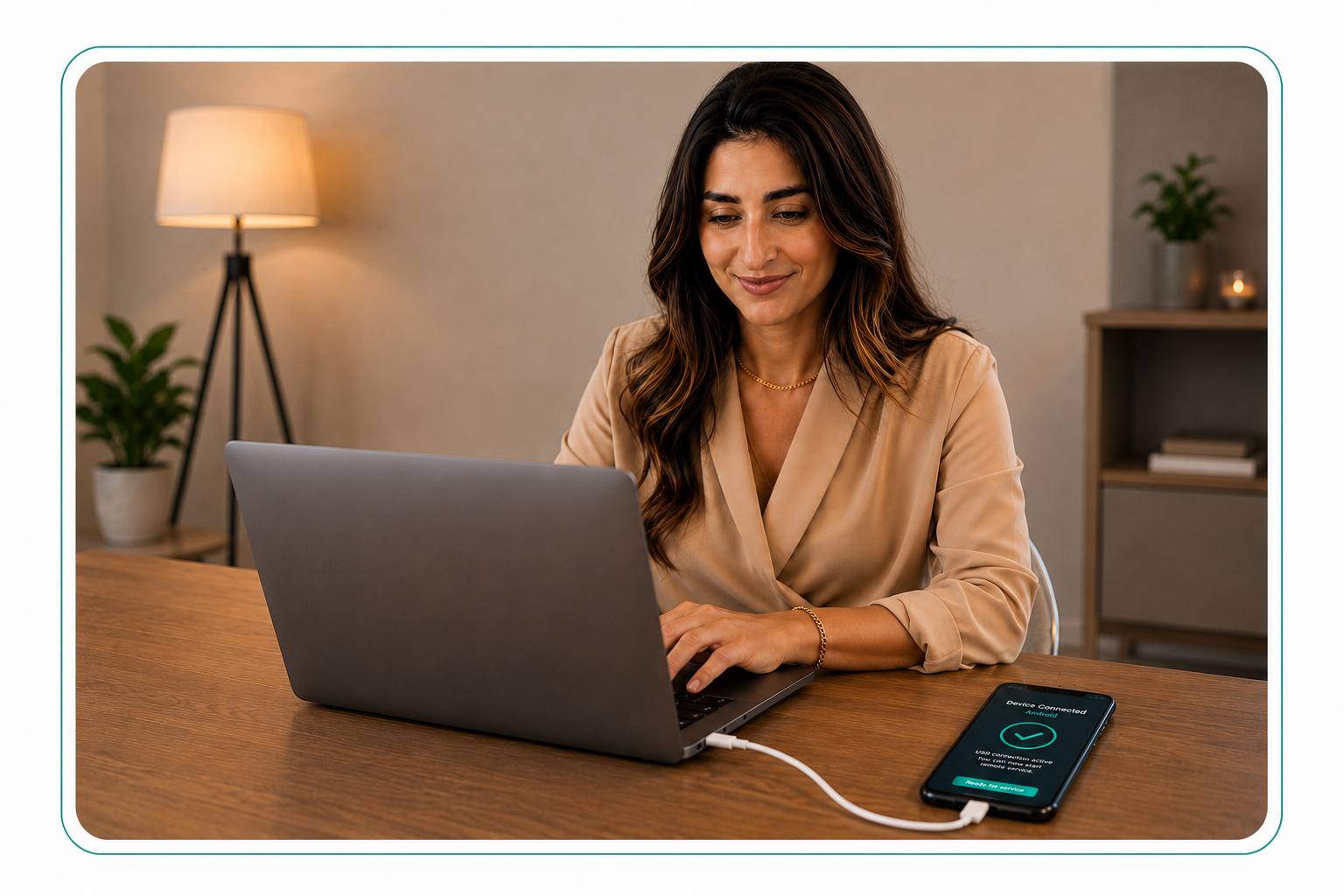
Connect your Android phone to a Windows computer.
Our technician guides the secure Google FRP unlock process.
Request Submitted
Every request is reviewed manually. We’ll contact you after verifying your device information.
Frequently Asked Questions
Everything you need to know before requesting a remote Google FRP Unlock service.
FRP services are usually completed within 5–15 minutes after ownership verification and remote connection setup have been completed.
Yes. The service is completed remotely from home using your Windows computer, internet connection, and USB cable.
For security, ownership verification is required. A device box, purchase receipt, or IMEI label may be requested.
If the requested service cannot be completed on your device, any eligible payment will be refunded in full.
Most supported Samsung devices can be unlocked successfully. Results depend on the model, Android version, and security patch.
You can find your IMEI by dialing *#06#, checking phone settings, looking at the device box, or checking the SIM tray.
Choose CellFixGeorgia
Fast, secure Google FRP Unlock with verified ownership and guided remote support.
Verified Ownership
Service is available only for verified device owners to ensure a secure and legitimate unlock process.
Remote From Home
Complete the entire FRP Unlock process from home using a Windows computer and USB cable.
Guided Process
If the requested service cannot be completed, eligible payments are refunded according to our refund policy.
Refund Protection
If we can’t complete the service, eligible payments will be refunded.
What Our Customers Say
Real feedback from customers who trust CellFix for repair and unlocking services.